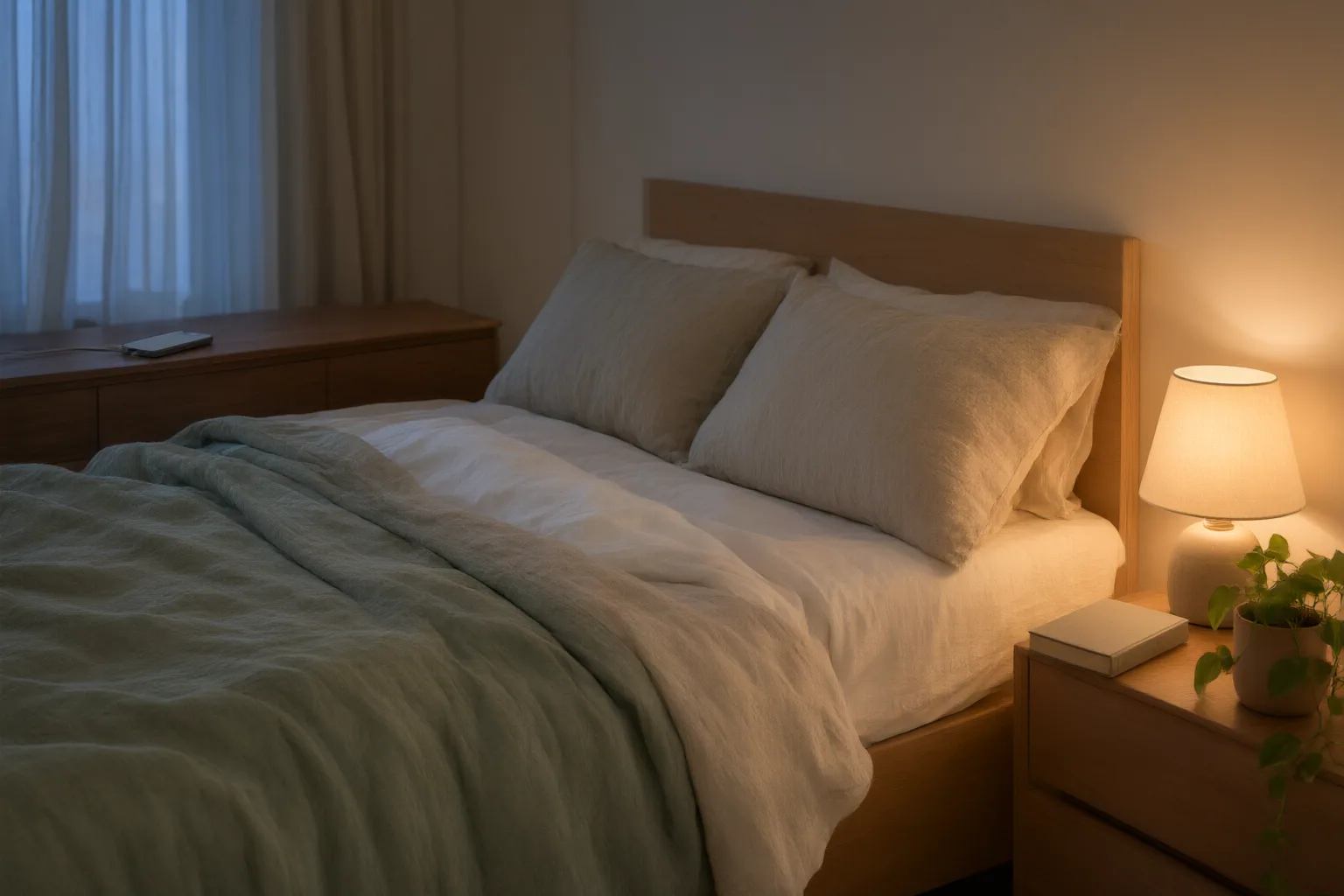
To reduce nighttime phone disruption, schedule Do Not Disturb with exceptions for important contacts, disable nonessential app alerts, and set limits for apps that tend to keep you engaged. Add a consistent evening boundary and place the phone away from the bed. Night mode can complement these steps by changing evening display output, but it does not perform the same job as notification controls.
Start with Do Not Disturb and essential-contact exceptions
Evening Do Not Disturb is the clearest starting point when calls, texts, and app alerts interrupt winding down. Mobile Phone Guide recommends enabling it in the evening and configuring it to suppress routine interruptions while still allowing calls from important contacts.
That distinction matters for anyone who wants a quieter night but cannot become completely unreachable. Review the available exceptions and preserve access for the contacts you consider essential. Then check which other calls, messages, or notifications the setting suppresses.
Exact names, schedules, and exception controls may differ by phone and operating-system version. The supplied guidance comes from general blogs rather than official device documentation, so consult the settings shown on your own phone instead of assuming that every device offers identical controls. The sources also do not compare settings or establish that Do Not Disturb is universally the most effective option.

Schedule a boundary and limit engaging apps
A schedule can turn an evening intention into a repeatable boundary. Progress Wellness recommends establishing a digital curfew about an hour before bedtime and setting night mode to activate automatically at that time. A sudden cutoff may be difficult, so a consistent schedule or gradual reduction can be more manageable than relying only on willpower.
Reduce the prompts that invite renewed use by turning off unnecessary notifications. Mobile Phone Guide also recommends built-in limits for apps that tend to keep people awake, including social media, video, and gaming apps. These controls address different parts of the problem: notification settings reduce incoming prompts, while app limits create a boundary around engaging activities.
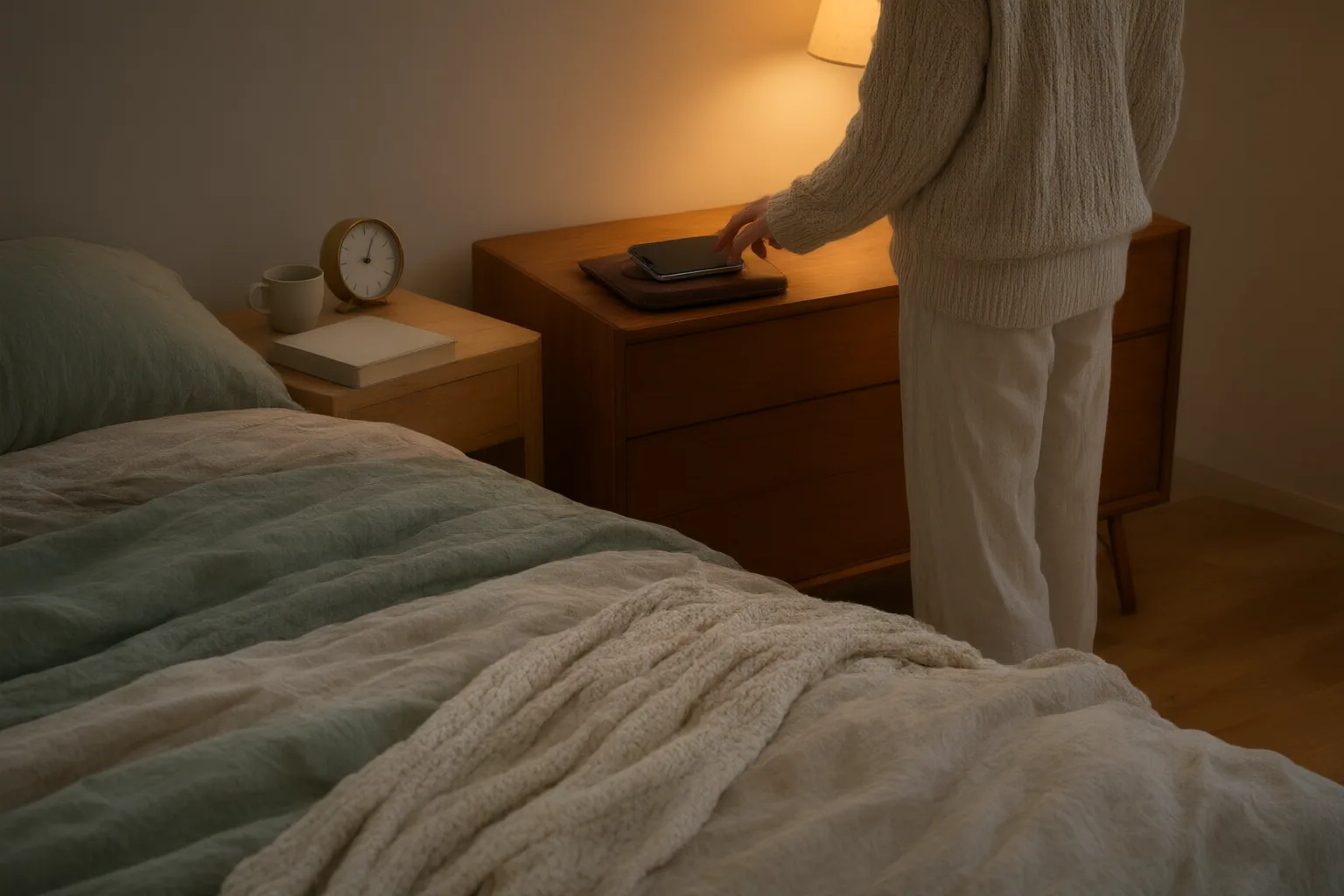
Night mode is not a substitute for those controls. It changes the display’s evening light output; it does not serve the same function as silencing alerts or limiting engagement. Physical distance provides another boundary. Both sources recommend charging the phone outside the bedroom or at least away from the bed, making it less immediately accessible when an alert or impulse might otherwise restart phone use.
Common questions about nighttime phone settings
The most useful setup combines controls according to their separate roles. Do Not Disturb handles routine calls, texts, and notifications; contact exceptions preserve selected access; disabled app alerts reduce avoidable prompts; and app limits support disengagement from interactive content. A scheduled curfew makes the boundary consistent, while night mode changes the display rather than blocking interruptions.
Keep the setup realistic. If an abrupt change feels difficult, begin with a regular start time and one category of nonessential notifications. You can also move the phone farther from the bed as a complementary step. The two FAQs below address the main distinctions without assuming device-specific features that the supplied sources do not document.
Conclusion
No single setting is established by these sources as the most effective way to reduce nighttime phone disruption. A practical combination is to schedule Do Not Disturb, retain exceptions for important contacts, disable nonessential alerts, and use limits for apps that encourage continued engagement. Pair those controls with a consistent evening boundary and, if practical, charge the phone away from the bed.
Tonight, choose one evening start time, configure a Do Not Disturb schedule, review its contact exceptions, and disable notifications from one nonessential app category. Check the controls available on your own device because names and options may vary by phone and operating-system version.
Disclosures and limitations
- This article was prepared with AI assistance using only the two general-guidance sources identified in the research package; their recommendations were synthesized and rewritten rather than independently tested.
- The sources are blogs, not official device documentation, and they provide no comparative or quantified evidence showing which individual setting reduces nighttime disruption the most. No products or affiliate links are recommended.
Related reading
Sources
- How to Stop Using Phone at Night: 9 Tips for Better Sleep — Mobile Phone Guide
- The Hidden Costs of Nighttime Phone Use: Strategies for Better Sleep — Progress Wellness, LLC — Progress Wellness, LLC